Owlpane / Solutions / Release safety
Use cases · built on OpenTelemetryCatch a bad release at the release — not in next week’s review.
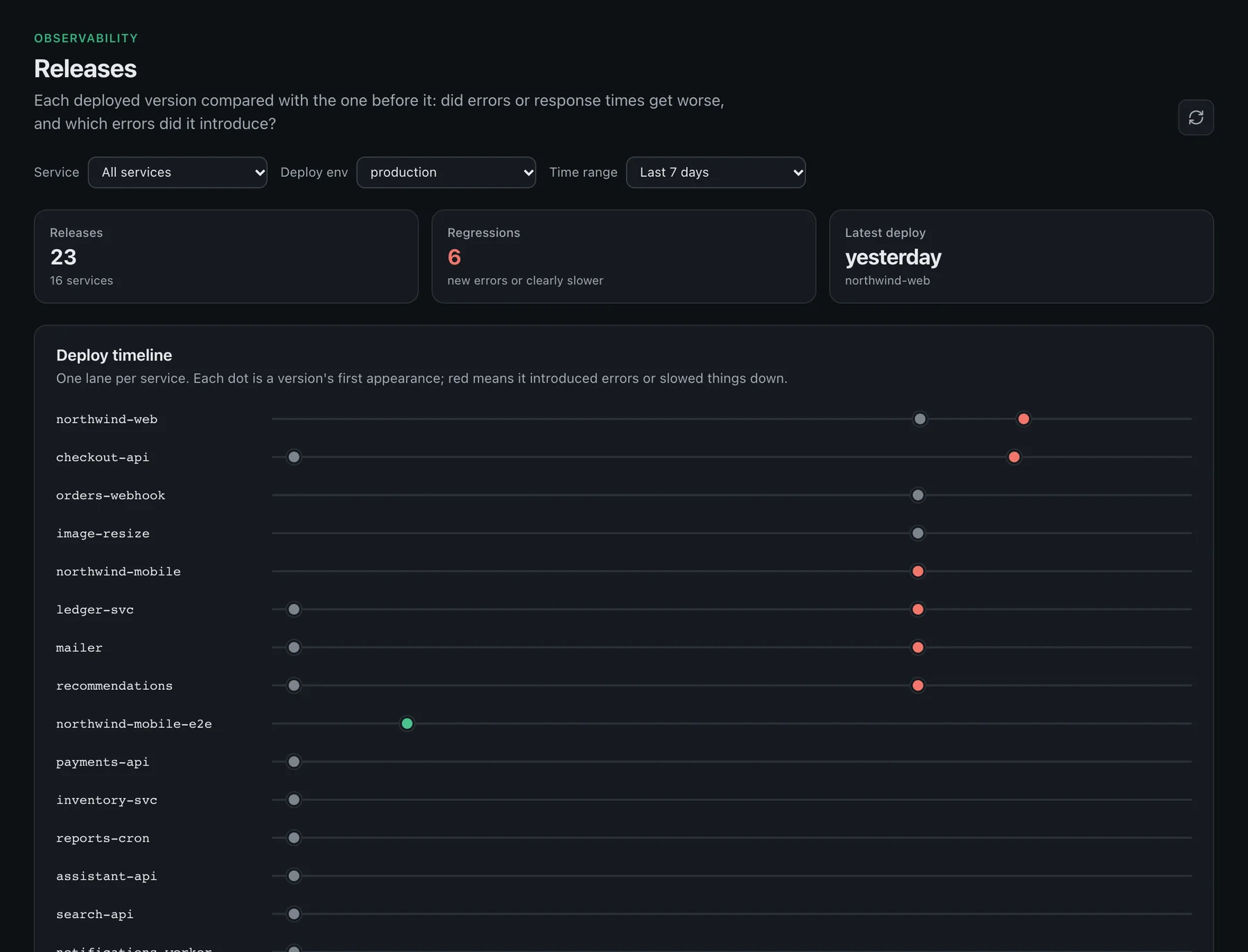
Tag your telemetry with a release and every deploy is compared with the one before it: error rate, response time and the error groups it introduced. Alert rules, SLOs and uptime checks export as Terraform so they ship with your code.
The problem
Why this is hard today
Regressions hide in averages
A release that is 20% slower on one route disappears in the service-wide chart.
“Was it the deploy?”
Nobody can say which version introduced an error without digging through logs.
Monitoring drifts from code
Alert rules clicked together in a UI fall out of step with the services they watch.
What you use
Built from features that ship today

Release comparison
Each version compared with the previous one, with releases marked on every chart.
APM & tracing →
Errors tied to releases
See which error groups a release introduced, each with a sample trace.
APM & tracing →
SLOs
A reliability target and burn-rate alerts that fire while there is still budget to save.
Alerting & SLOs →
Export as Terraform
Dashboards, alert rules, SLOs and uptime checks export as Terraform to live in version control.
Dashboards →How it works
Three steps
Tag
Set the release on start — for example release: process.env.GIT_SHA in @owlpane/node, or service.version in any OpenTelemetry SDK.
Deploy
Ship as usual. The new version appears as a marker on charts and in the release list.
Compare
Open the release to see what got worse and which errors are new, next to a trace for each.
import { owlpane } from "@owlpane/node";

owlpane.start({
  service: "payments-api",
  release: process.env.GIT_SHA,
});
Questions
Does Owlpane block a deploy?
Which languages report releases?
Where Owlpane is narrower
- There is no CI gate or automatic rollback; Owlpane reports, your pipeline decides.
More use cases
Related solutions



Send a copy of your telemetry. Change nothing else.
Standard OpenTelemetry in, so you can try Owlpane beside what you run today.
Every new workspace starts with a 14-day Team trial: 50 GB of ingest a month and 30-day retention. No card to start. Documentation · Pricing · Pricing questions